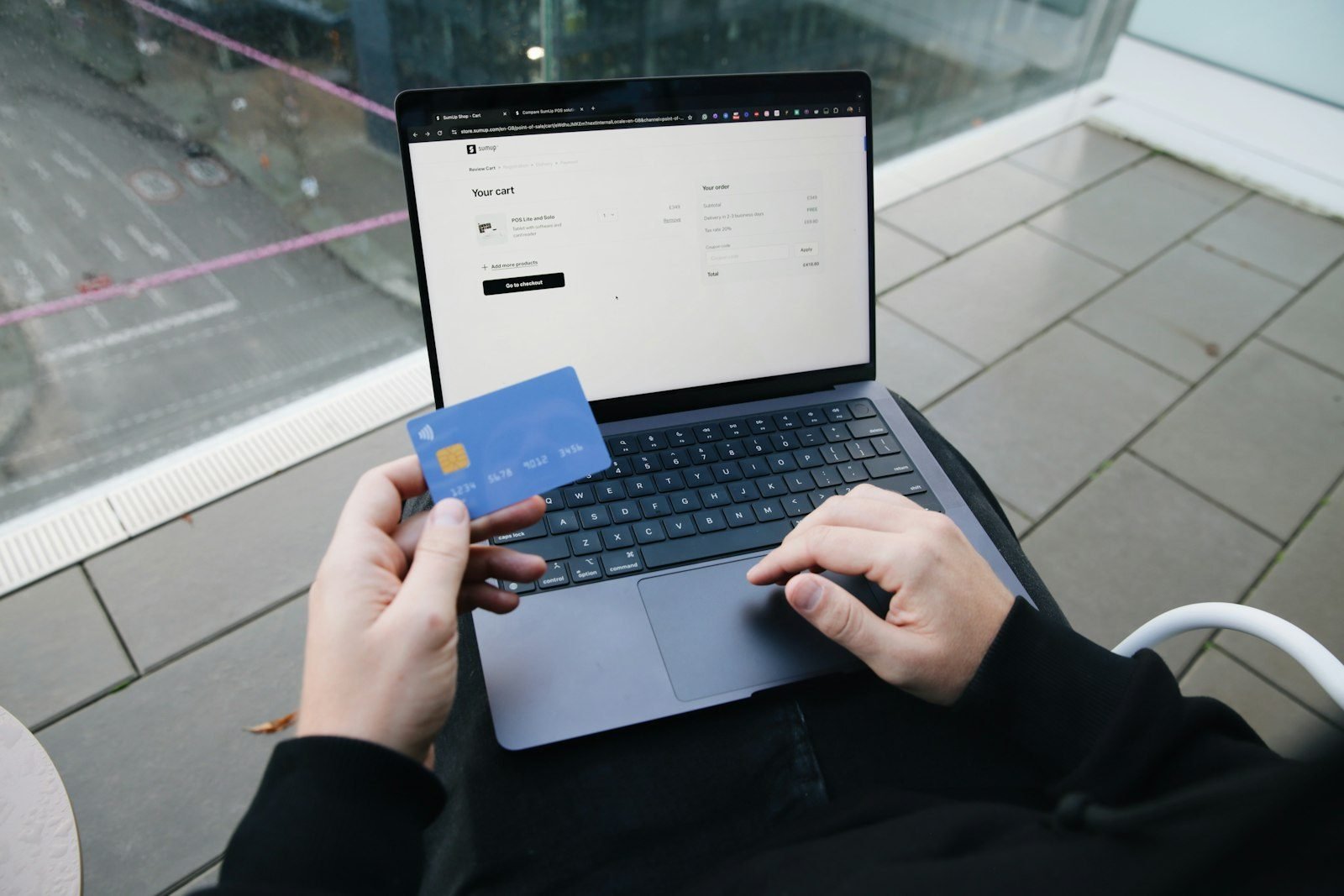
Coupon codes are small pieces of text that trigger a discount rule set by a retailer, and most “code not working” problems come down to a restriction rather than an error. Common causes include a minimum order requirement, excluded categories, expired dates, one-time-use limits, or region locks. Understanding these rules helps you troubleshoot fast instead of guessing.
How Coupon Codes Actually Work
A coupon code is just a trigger. When you type it into the promo box at checkout, the store’s system checks it against a rule set: what discount to apply, which products qualify, how many times it can be used, and when it expires. If your cart matches every rule, the discount shows up. If it doesn’t match even one rule, the code is rejected or ignored — often without a clear explanation.
This is why two shoppers can have completely different experiences with the same code. The code itself isn’t broken; your cart or account may not meet one of the conditions attached to it.
Common Types of Coupon Codes
Retailers use a handful of standard code types. Knowing which type you’re dealing with helps you predict how it will behave.
- Percentage-off codes: reduce the price by a set percent, often with a maximum discount cap.
- Fixed-amount codes: subtract a flat dollar amount, usually tied to a minimum spend.
- Free shipping codes: waive delivery fees, sometimes only for standard shipping speeds.
- Gift-with-purchase codes: add a free item once a spending threshold is met.
- New-customer codes: apply only to first-time accounts or first orders, verified by email or account history.
Why Coupon Codes Fail at Checkout
Minimum Order Requirements
Many codes only activate once your cart reaches a minimum subtotal. If your total falls short — even by a small amount — the discount won’t apply. Check the code’s fine print for a spending threshold before assuming it’s invalid.
Excluded Categories or Items
Retailers frequently exclude certain categories, such as clearance items, gift cards, or specific brands, from promo codes. If your cart includes an excluded product, the whole code may fail, or the discount may apply only to the eligible items.
Items Already on Sale
Many codes are designed for full-price items only. If a product is already marked down, stacking a coupon on top often isn’t allowed. This is one of the most common reasons a code seems to “disappear” once applied to a discounted item.
One-Time-Use and Account Limits
Some codes are single-use per customer, per email, or per account. If you’ve used it before, or if it was originally issued to someone else, the system may reject it even if the code text is otherwise correct.
Expiration Dates and Time Windows
Coupon codes almost always have an end date, and some also have a start date or limited hours (like a weekend-only promotion). A code that worked yesterday can simply expire overnight.
Regional or Account-Type Restrictions
Some codes are limited to specific countries, states, or currencies. Others are locked to particular account types, such as loyalty members or app users. If you’re browsing from a different region or using a guest checkout, the code may not be recognized.
Why It Worked for Someone Else But Not You
If a friend used a code successfully and you can’t, the difference is usually one of the restrictions above: a different cart total, a different account status, a different region, or simply timing — the code may have expired or hit its usage limit between their order and yours.
What to Do When a Coupon Code Doesn’t Work
- Re-check the code for typos, extra spaces, or case sensitivity.
- Confirm your cart meets any minimum order requirement.
- Remove already-discounted items and try again.
- Check the expiration date and any listed start/end times.
- Make sure you’re logged into the correct account if the code is account-specific.
- Try a different browser or clear cached checkout data if the field won’t accept input.
Bottom Line
A coupon code that fails at checkout almost always points to a specific rule — minimum spend, exclusions, expiration, or account limits — rather than a technical error. Reading the code’s terms before you shop saves time and frustration, and knowing the common restriction types means you can troubleshoot in seconds instead of giving up on the discount.
FAQ
Why does my coupon code say invalid even though I copied it correctly?
The code may have expired, reached its usage limit, or require a minimum order total that your cart hasn’t met yet. Double-check for extra spaces when pasting, since some checkout fields are sensitive to formatting.
Can I use two coupon codes on one order?
Most retailers allow only one code per order unless they specifically advertise stackable promotions. If you try to apply a second code, the system usually replaces the first one instead of combining them.
Why doesn’t my coupon work on sale items?
Many codes are restricted to full-price merchandise because the retailer doesn’t want to apply two discounts to the same item. Check the code’s terms to see if clearance or already-discounted products are excluded.
Do coupon codes expire without notice?
Yes, most codes have a set end date built into the system, and some also have limited-time windows, like a single weekend. Once that window closes, the code stops working automatically, even if you saved it earlier.
Is a coupon code only valid for new customers reusable later?
Typically no. New-customer codes are usually tied to your account or email address and are deactivated after your first qualifying order.
Why did a coupon work for someone in another state but not for me?
Some codes are limited to specific regions, countries, or currencies. If you’re shopping from outside the eligible area, the checkout system may reject the code even though it displays correctly.